
Composer Video Editor: Streamlining Pro Workflows
Every independent filmmaker knows how demanding professional video editing can be when time and creative energy are on the line. Choosing the right tool matters now more than ever because composer video editor platforms have evolved to offer advanced media manipulation capabilities that support efficient automation and precise control. This guide clarifies what sets these platforms apart, helping you pinpoint solutions that maximize workflow automation and elevate your final cut to industry standards.
Table of Contents
- Defining Composer Video Editor Tools
- Types And Key Differences In Composer Editors
- Core Features And Workflow Automation
- Real-World Applications For Creators
- Costs, Risks, And Common Mistakes
- Comparing Composer Editors And Alternatives
Key Takeaways
| Point | Details |
|---|---|
| Advanced Features | Composer video editors offer sophisticated capabilities such as AI-driven automation, intelligent editing tools, and extensive collaboration options that enhance workflow efficiency. |
| Tailored Solutions | Different types of composer video editors cater to unique user needs, from professional broadcast editors to prosumer tools and independent filmmaker solutions. |
| Strategic Tool Selection | Evaluating editor features against project requirements ensures the right match for creative workflow and scalability. |
| Financial and Technical Risks | Creators should plan for unexpected costs and maintain robust organizational strategies to mitigate financial and creative pitfalls in video editing. |
Defining Composer Video Editor Tools
Video editing represents a sophisticated digital craft requiring precision, creativity, and powerful technological support. Composer video editor tools are specialized software platforms designed to transform raw media into polished narratives, enabling professionals to manipulate audio and visual content with unprecedented control. Advanced media manipulation capabilities have become fundamental in modern post-production workflows.
These sophisticated editing platforms typically encompass several critical features that distinguish them from basic consumer-grade software:
- Frame-by-frame inspection and manipulation
- Nonlinear editing capabilities
- Advanced audio-video synchronization
- Automated task processing
- Collaboration-friendly interfaces
- Professional color grading tools
Professional video editors rely on comprehensive editing solutions like Media Composer that integrate cutting-edge technologies such as speech-to-text AI and enhanced interoperability. These tools transform complex media environments by providing granular control over every aspect of video production.
The evolution of composer video editor tools reflects the industry's continuous push toward more efficient, intelligent workflows. Modern platforms now incorporate artificial intelligence and machine learning algorithms that can automate repetitive tasks, analyze footage, and suggest optimal editing techniques. This technological progression enables creators to focus more on storytelling and less on technical minutiae.
Pro tip: Always invest time in understanding your chosen composer video editor tool's unique features and workflow capabilities to maximize your creative potential.
Types and Key Differences in Composer Editors
Composer video editor tools represent a diverse ecosystem of software platforms, each designed to address unique creative and professional requirements. Platform compatibility and workflow focus significantly influence the selection process for video editing professionals, with distinct categories emerging based on specific needs and technical capabilities.
These editing platforms can be broadly categorized into several key types:
-
Professional Broadcast Editors
- Extensive media management features
- Multicam support
- Script-based editing capabilities
- High-end collaboration tools
-
Prosumer Creative Tools
- User-friendly interfaces
- More accessible pricing
- Simplified workflow designs
- Basic to intermediate editing features
-
Independent Filmmaker Solutions
- Customizable workflow automation
- Advanced color grading
- Flexible project scaling
- Integration with multiple file formats
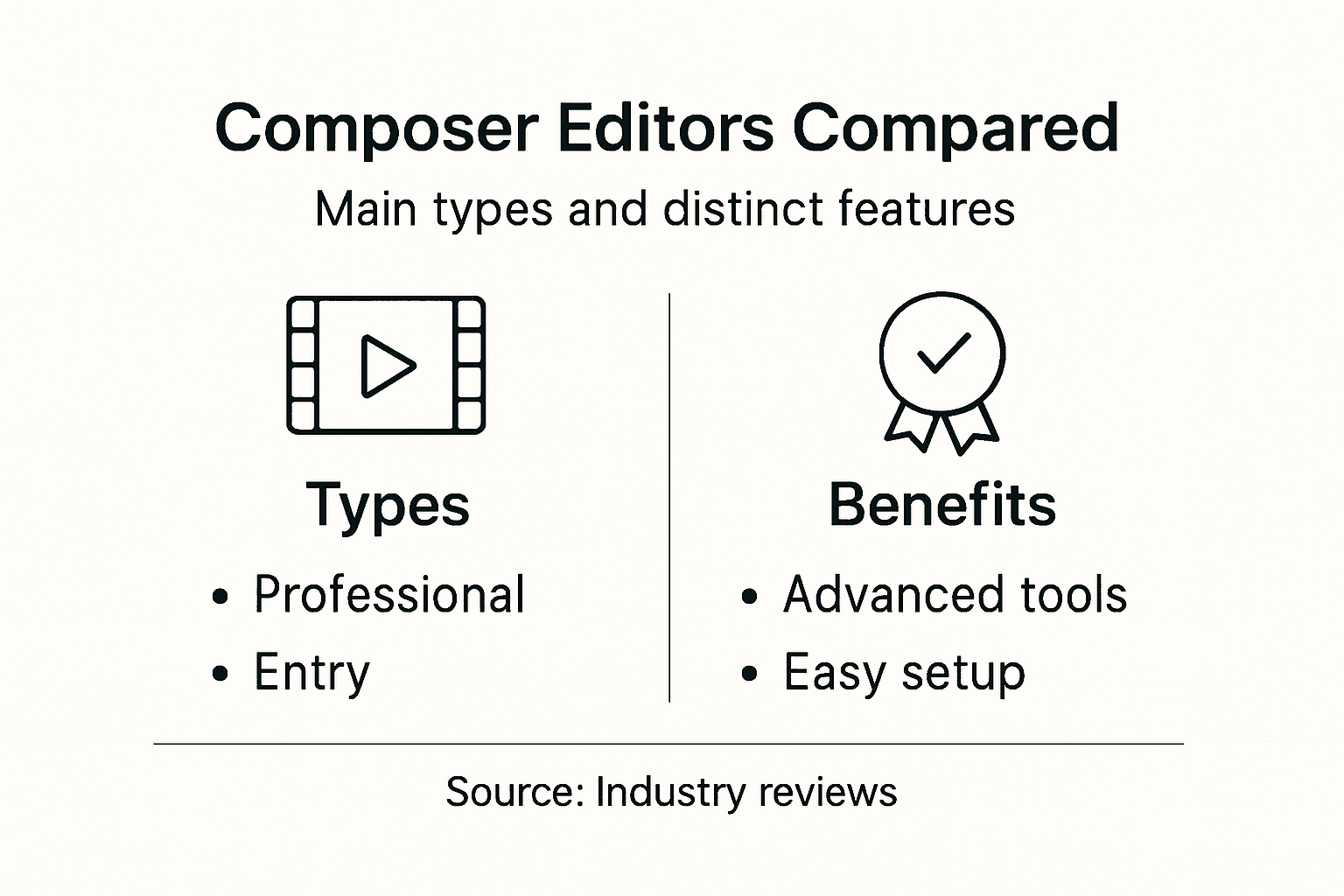
Editor types vary dramatically in their approach to usability and technical complexity. Professional-grade editors like Avid Media Composer prioritize extensive customization and precise media control, while consumer-oriented platforms emphasize intuitive design and quick learning curves. This diversity ensures that creators can find tools precisely matched to their technical proficiency and project requirements.

Here's a concise comparison of major composer video editor types and their typical user profiles:
| Editor Type | Target User | Distinctive Benefit | Common Limitation |
|---|---|---|---|
| Professional Broadcast | Media professionals | Advanced collaboration tools | Steep learning curve |
| Prosumer Creative | Amateurs & hobbyists | Simple, fast interface | Limited advanced features |
| Independent Filmmaker | Indie creators, freelancers | Flexible workflow customization | May require third-party apps |
The technological landscape of composer video editors continues to evolve, with emerging platforms integrating artificial intelligence, machine learning, and cloud-based collaboration features. These advancements are progressively blurring traditional boundaries between professional and consumer editing environments, offering unprecedented flexibility for creative professionals across different skill levels and production contexts.
Pro tip: Always evaluate an editor's specific features against your project's unique technical and creative demands before making a final selection.
Core Features and Workflow Automation
Modern composer video editors have transformed from simple cutting tools into sophisticated platforms that integrate advanced technological capabilities. AI-enhanced editing workflows now provide unprecedented levels of efficiency and creative potential for video production professionals.
Core features of contemporary composer video editors typically include:
-
Intelligent Editing Tools
- Automated speech-to-text transcription
- Scene detection capabilities
- Smart clip organization
- Predictive editing suggestions
-
Collaboration Infrastructure
- Real-time remote editing sessions
- Cloud-based project sharing
- Version control systems
- Integrated feedback mechanisms
-
Technical Automation Capabilities
- Sub-frame audio adjustments
- Automatic volume normalization
- Frame-level synchronization
- Batch processing functions
Workflow automation strategies target repetitive tasks that traditionally consume significant production time. By integrating artificial intelligence and machine learning algorithms, modern composer editors can now handle complex tasks like precise audio synchronization, transcript-based editing, and intelligent scene management with remarkable accuracy.
The technological evolution of composer video editors represents a significant paradigm shift in content creation. These advanced platforms are not just tools but collaborative ecosystems that adapt to individual creator workflows, offering unprecedented flexibility and efficiency. As machine learning and AI continue to advance, we can anticipate even more intelligent and intuitive editing experiences that reduce technical friction and amplify creative potential.
This summary shows how workflow automation features in composer editors impact production efficiency:
| Automation Feature | Efficiency Impact | Creative Advantage |
|---|---|---|
| AI-driven scene detection | Speeds up rough cut selection | Focus more on narrative design |
| Cloud-based collaboration | Enables simultaneous teamwork | Supports remote creative input |
| Automatic audio normalization | Reduces manual sound checks | Maintains consistent audio style |
Pro tip: Invest time in understanding your editor's automation features to dramatically reduce repetitive tasks and focus more on creative storytelling.
Real-World Applications for Creators
Composer video editors have revolutionized content creation across multiple professional domains, transforming how creators develop and deliver visual narratives. Multimedia production workflows now leverage advanced technological capabilities that dramatically enhance creative potential across diverse industries.
Specific application domains for composer video editors include:
-
Film and Television Production
- Narrative storytelling
- Documentary editing
- Commercial production
- Episodic content development
-
Digital Media Creation
- Social media content
- YouTube video production
- Streaming platform content
- Podcast visual accompaniments
-
Educational and Corporate Applications
- Training video development
- Academic research documentation
- Instructional material creation
- Corporate communication videos
Professional media communities recognize these tools as critical infrastructure for modern storytelling, enabling creators to produce high-quality content with unprecedented efficiency. The integration of artificial intelligence and advanced automation has transformed video editing from a technical process into a strategic creative endeavor.
The versatility of modern composer video editors extends beyond traditional media production, empowering creators in fields ranging from journalism to scientific visualization. These platforms provide robust solutions that accommodate complex project requirements, support multiple file formats, and enable collaborative workflows across global teams. As technology continues to evolve, the boundaries between technical tool and creative instrument become increasingly blurred.
Pro tip: Choose a composer video editor that matches your specific creative workflow and scalability needs, not just your current project requirements.
Costs, Risks, and Common Mistakes
Navigating the complex landscape of composer video editing requires a strategic understanding of potential financial and creative pitfalls. Professional video editing challenges emerge from multiple interconnected factors that can significantly impact project outcomes and production budgets.
Common risks and mistakes in video editing typically manifest in several critical areas:
-
Financial Risks
- Unexpected software licensing costs
- Hardware upgrade requirements
- Hidden training expenses
- Potential project overruns
-
Technical Mistakes
- Poor media asset organization
- Inadequate backup strategies
- Inefficient workflow design
- Compatibility issues between tools
-
Creative Pitfalls
- Overusing visual effects
- Neglecting narrative coherence
- Compromising audio quality
- Inconsistent stylistic choices
Professional creators must develop a nuanced approach to managing both technological investments and creative execution. Balancing quality, speed, and cost requires careful planning and a deep understanding of how different editing strategies impact final project outcomes. Successful video editing is not just about technical proficiency but also about maintaining a holistic perspective on storytelling and production value.
Ultimately, mitigating risks in composer video editing involves continuous learning, strategic tool selection, and a willingness to adapt workflows to emerging technological capabilities. Creators who invest time in understanding their tools, developing robust organizational systems, and maintaining a clear creative vision can significantly reduce potential financial and creative risks.
Pro tip: Always allocate 20% of your project budget as a contingency fund to cover unexpected technical or creative challenges during the editing process.
Comparing Composer Editors and Alternatives
The landscape of video editing tools is remarkably diverse, with each platform offering unique capabilities tailored to specific creative needs. Specialized editing solutions have emerged to address the varying requirements of different content creators, from professional filmmakers to corporate trainers.
Key alternatives to traditional composer video editors include:
-
Screen Recording Editors
- Camtasia
- ScreenFlow
- OBS Studio
- QuickTime Pro
-
Audio-Focused Multimedia Tools
- Logic Pro
- Pro Tools
- Ableton Live
- Final Cut Pro
-
Web-Based Collaborative Platforms
- Adobe Premiere Rush
- WeVideo
- Clipchamp
- Vimeo Create
Each alternative platform brings distinct advantages and limitations to the video production workflow. Screen recording editors excel in tutorial and training content, while audio-focused tools provide deep sound manipulation capabilities. Web-based platforms offer unprecedented accessibility and collaboration features, enabling creators to work seamlessly across different devices and geographic locations.
The selection of an appropriate editing tool depends on multiple factors including project complexity, budget constraints, technical expertise, and specific creative requirements. Professional creators must carefully evaluate the strengths and weaknesses of each platform, understanding that no single solution universally fits all production needs.
Pro tip: Invest in a versatile editing ecosystem that allows smooth integration between different tools rather than locking yourself into a single, potentially limiting platform.
Empower Your Video Editing Workflow with AI-Powered Precision
The complex challenges of composer video editors such as managing nonlinear editing, automating repetitive tasks, and maintaining seamless collaboration demand innovative solutions. If you are seeking to streamline your professional workflow and overcome obstacles like steep learning curves and technical bottlenecks, it is time to explore powerful alternatives that put creative control firmly in your hands. Platforms that integrate AI-driven scene management, smart presets, and intuitive script generation help you focus less on technical details and more on storytelling.
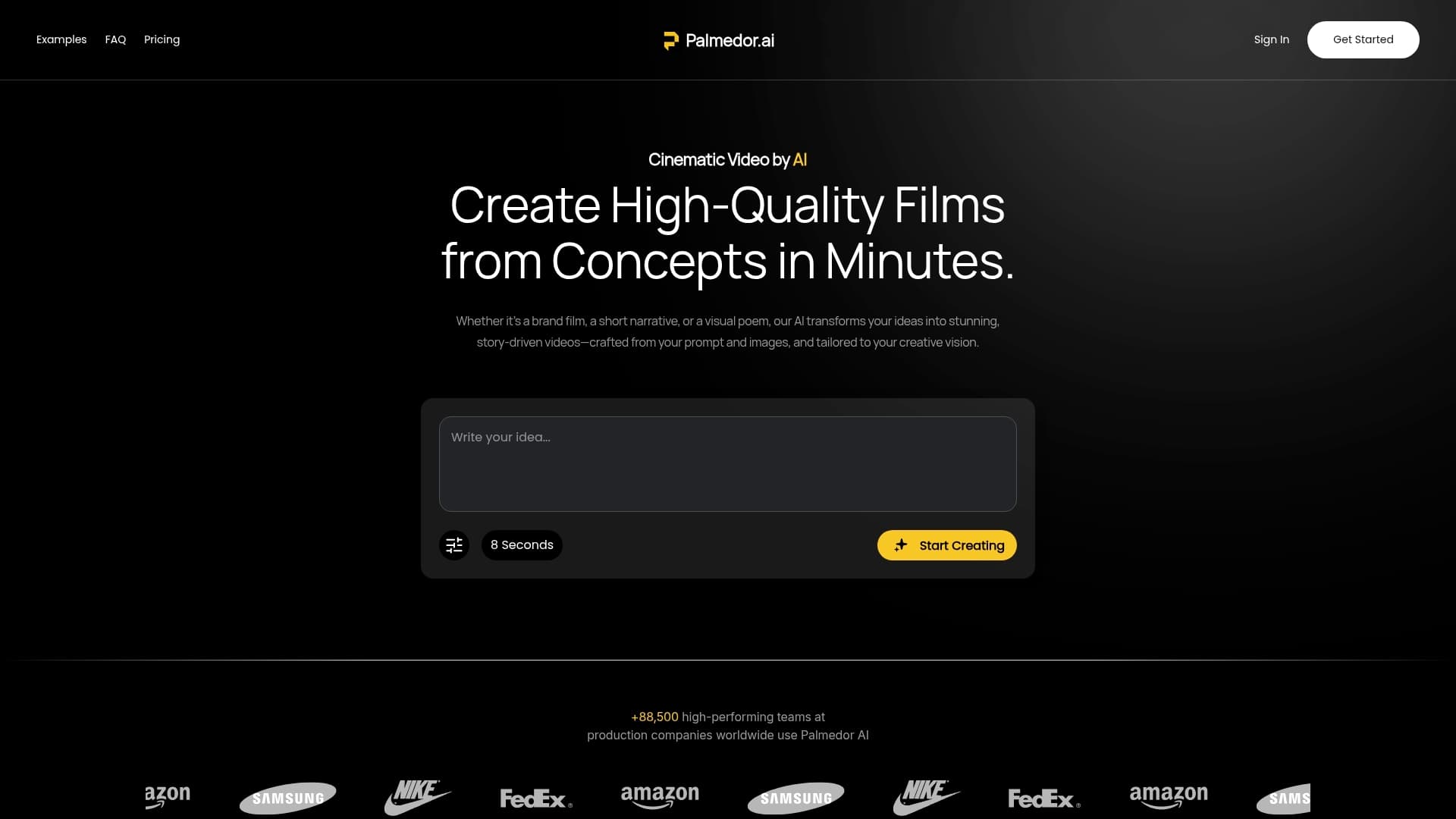
Discover how Palmedor.ai transforms your ideas into cinematic videos effortlessly. Whether you need to produce brand films, social clips, or narrative content, Palmedor.ai’s advanced automation and customization options reduce production time while boosting creative output. Take control of your content creation with AI-enhanced workflows specifically designed to meet the demands highlighted in the "Composer Video Editor: Streamlining Pro Workflows" article. Visit Palmedor.ai now to empower your video projects with professional ease and unmatched efficiency.
Frequently Asked Questions
What are composer video editor tools?
Composer video editor tools are specialized software platforms designed to transform raw media into polished narratives, providing advanced features for manipulating audio and visual content.
How do I choose the right composer video editor for my project?
Consider factors such as your technical proficiency, project complexity, budget, and specific creative requirements. Professional editors offer extensive customization, while prosumer tools provide friendly interfaces for quicker learning.
What are some key features of modern composer video editors?
Modern composer video editors typically include intelligent editing tools, collaboration infrastructure, and technical automation capabilities, such as automated speech-to-text transcription and cloud-based project sharing.
What common mistakes should I avoid in video editing?
Avoid pitfalls such as poor media organization, inadequate backup strategies, overusing visual effects, neglecting narrative coherence, and consistency in audio quality.